

4-4-4
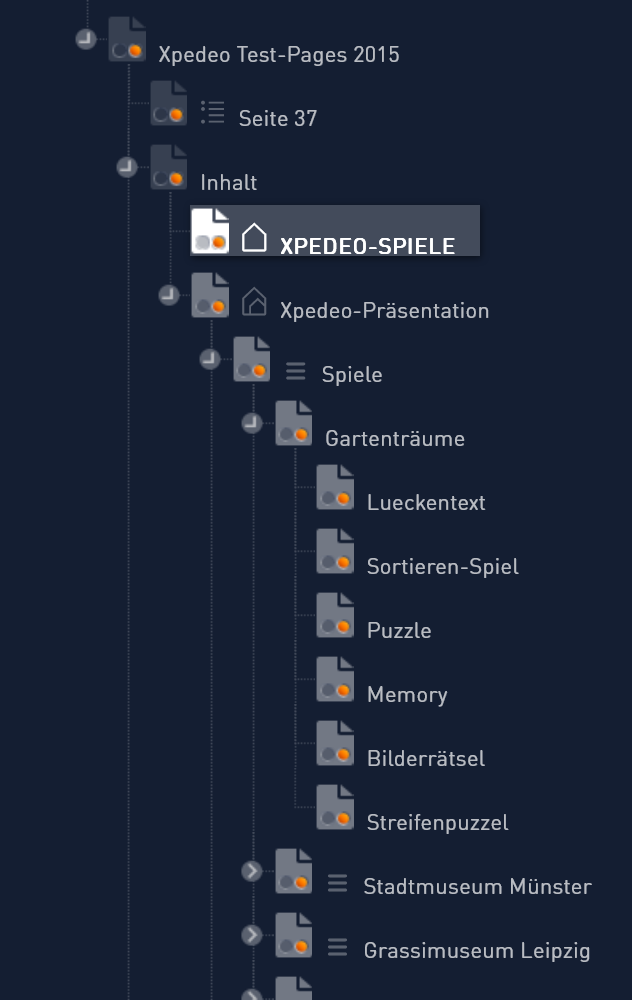
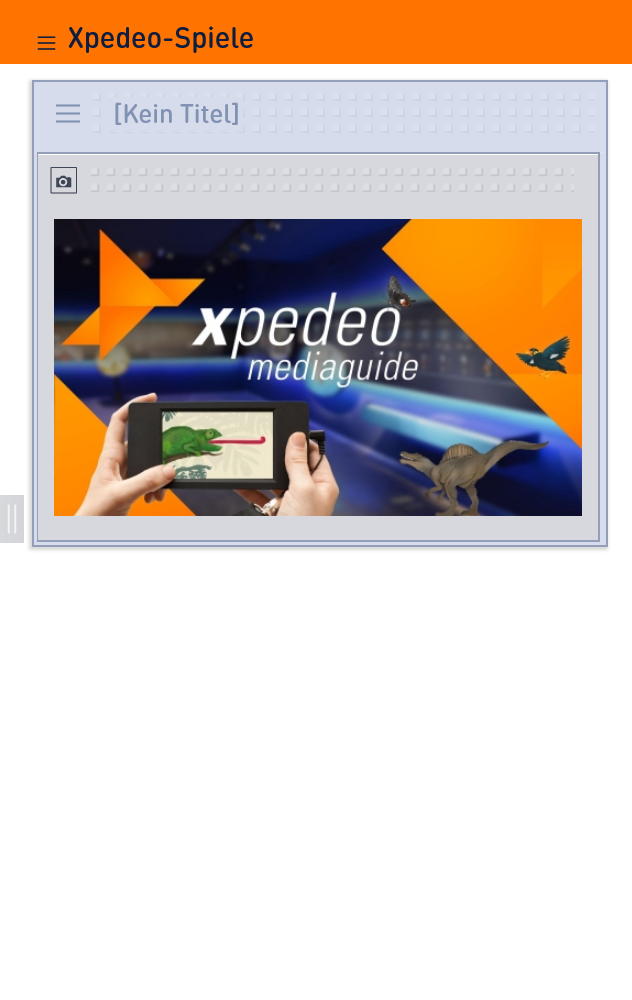
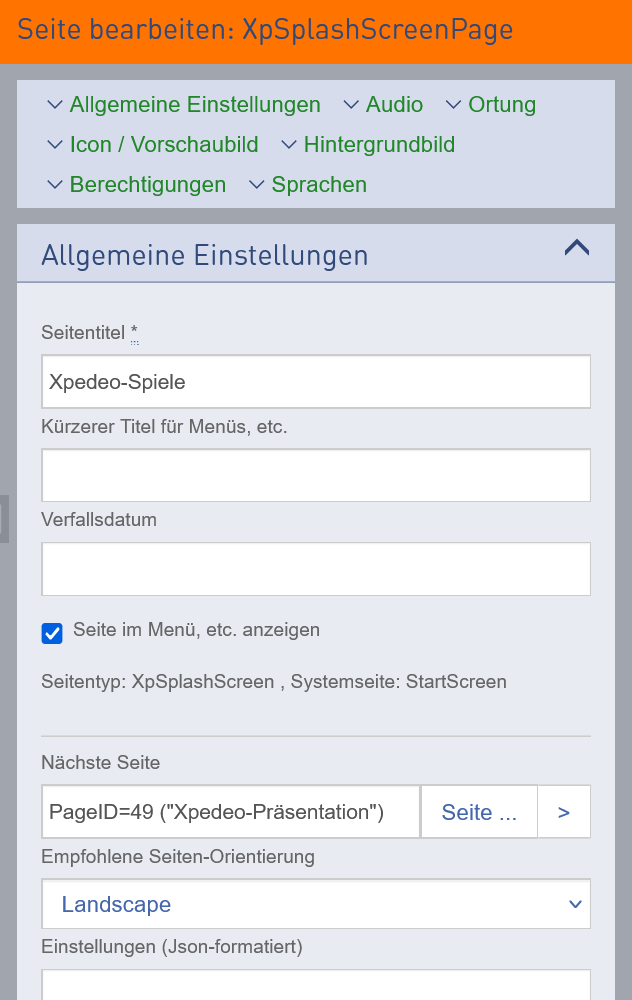
You can change the size of the individual work areas (page tree, layout window, detail area) as required. Simply move the boundaries between the areas with the mouse.
You can collapse and expand the page tree and layout window completely by clicking on the separator area to the right.
... and if the font is too small for you? Then simply zoom in - in the settings of your browser!
You can move elements using the clipboard. Drag and drop the desired element into the clipboard and insert it elsewhere. The element is cut from its original location and only exists where you inserted it.
Alternatively, and on mobile devices, you can use the pop-up menu to cut or copy elements.


